SlashClient Minecraft, only better.
A free Minecraft launcher with its own HUD, friends, capes, an FPS benchmark and clips. No hunting for mods and installing them.
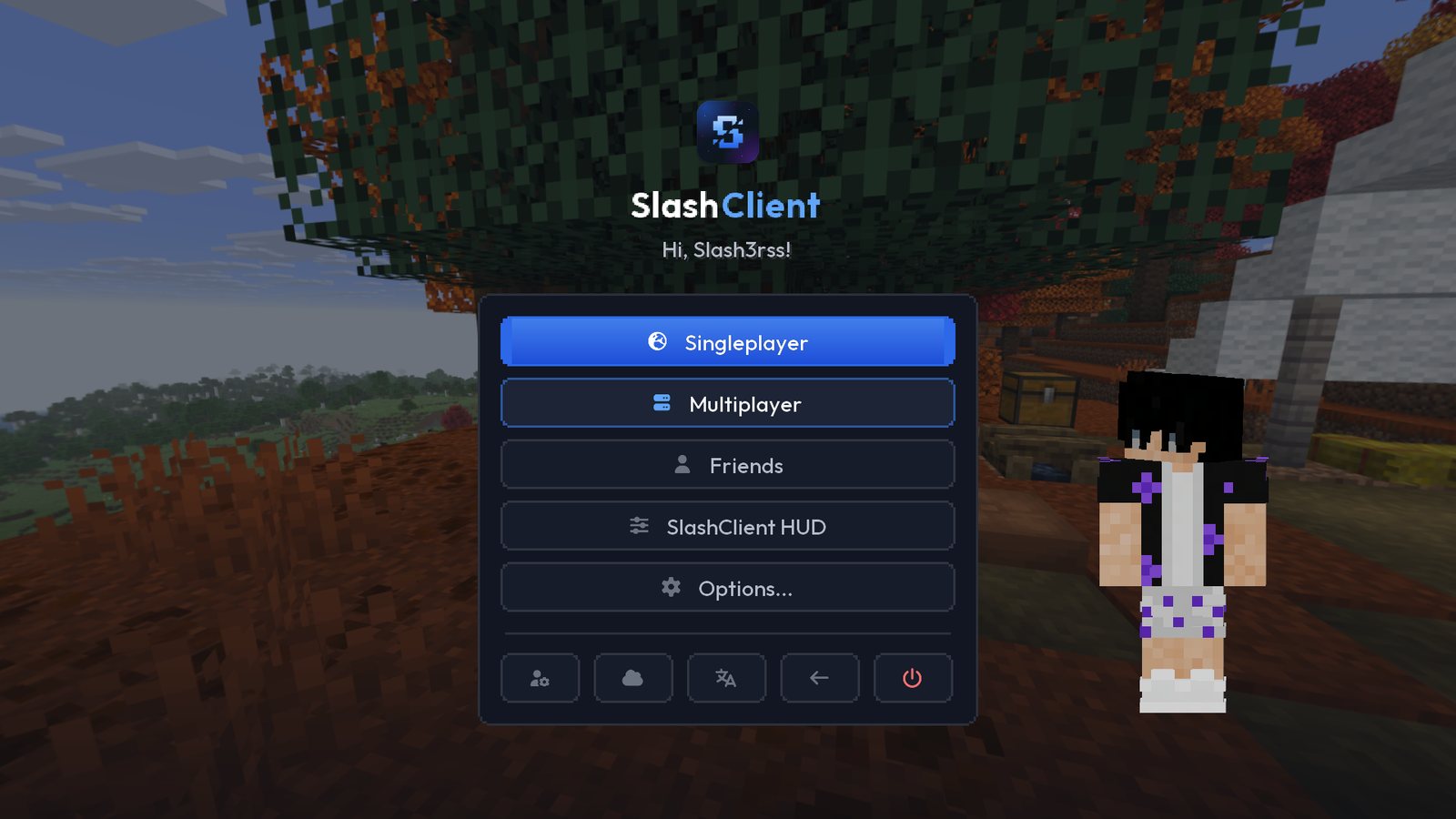
What is inside
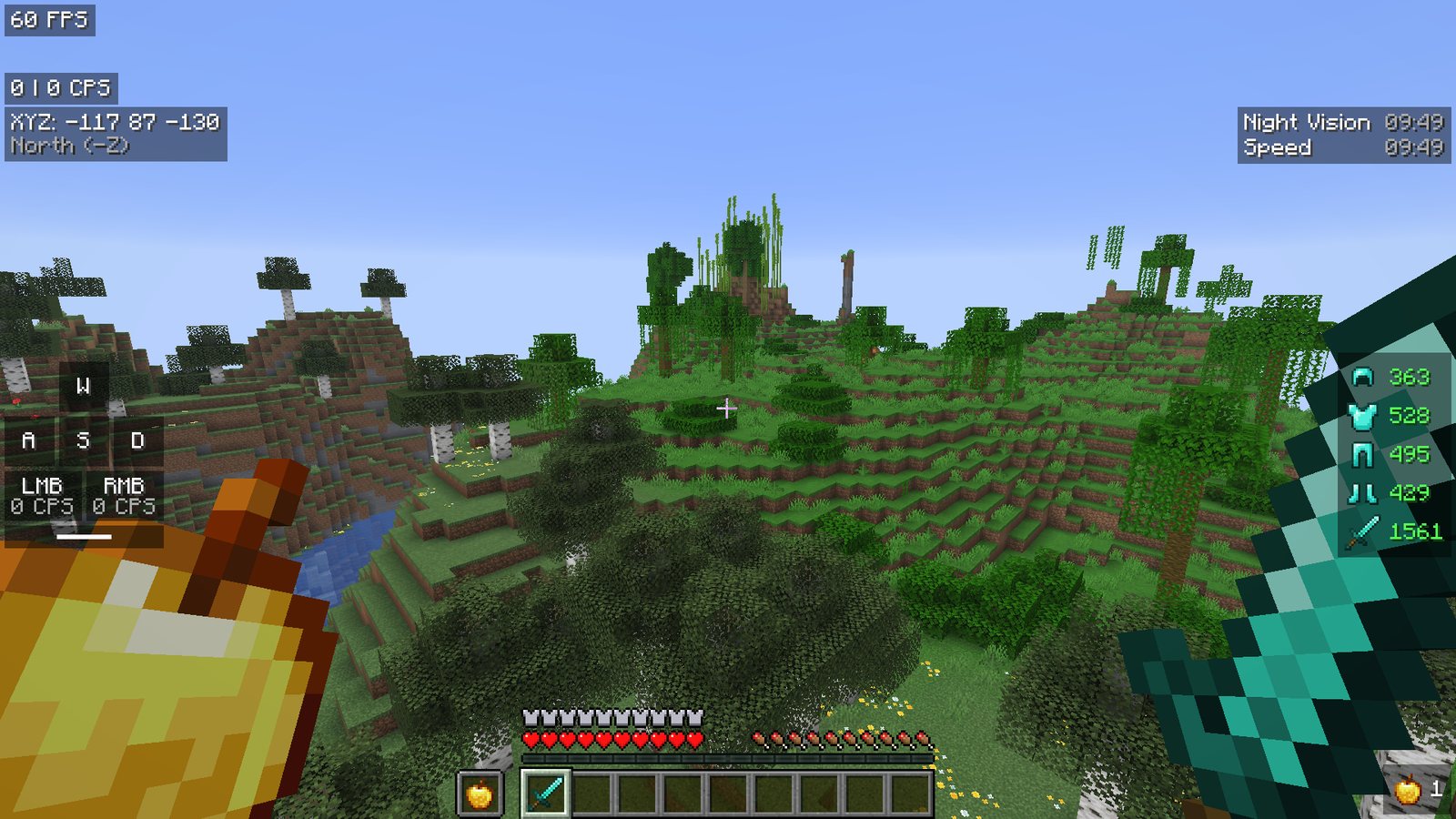
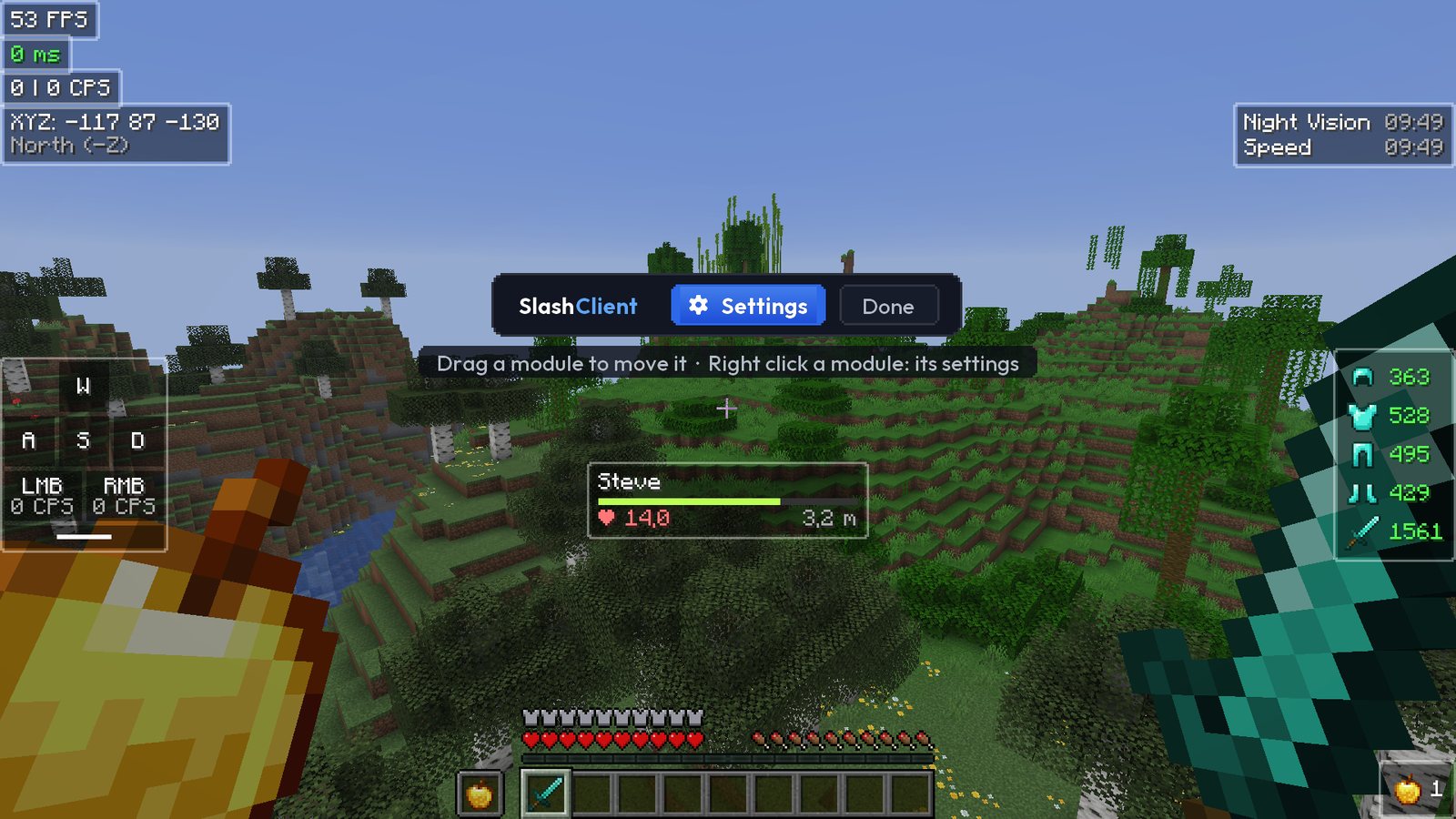
A HUD you set up your way
Over 40 modules: FPS, ping, CPS, armour, effects, keystrokes, compass, kills and more. Arrange them with the mouse in the editor (right Shift) and share the layout as a code.
- Custom crosshairs, zoom, freelook, fullbright
- Chat tabs with filters and search
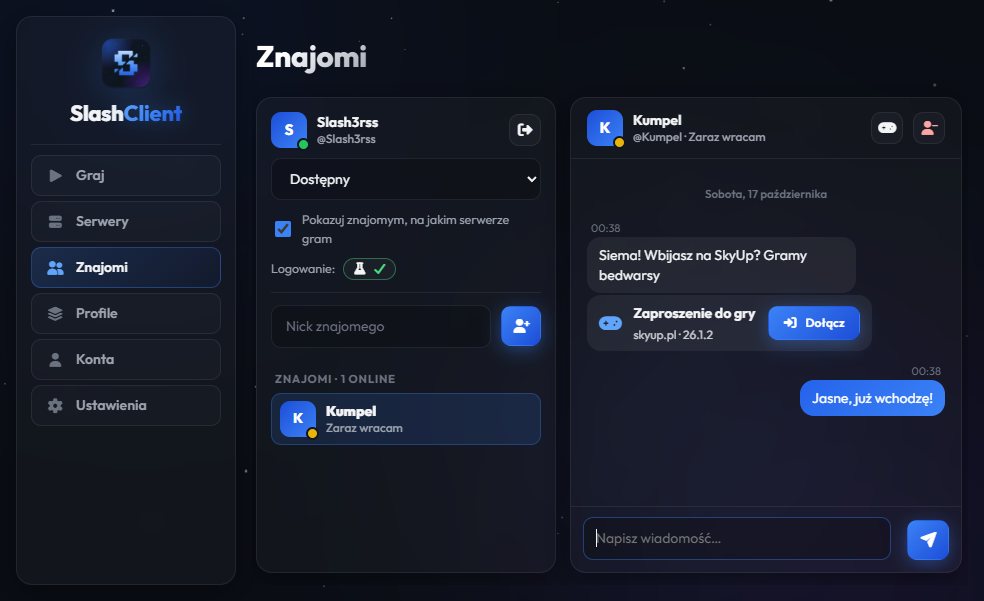
Friends and game invites
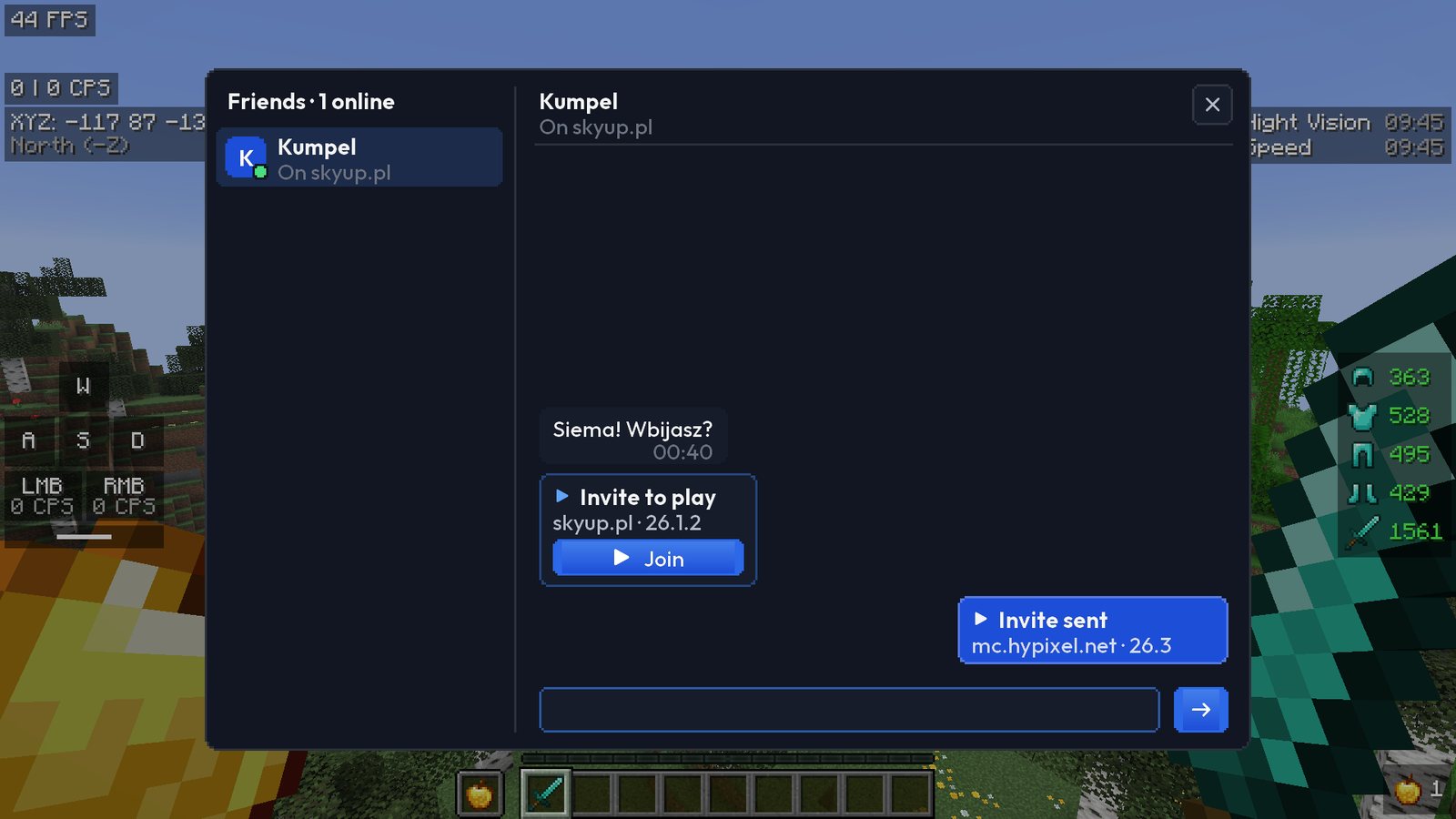
See who is online and which server they play on. Chat in the launcher or in the game, and “Invite” gives a friend a “Join” button that takes them to your server.
- Your account sets itself up with your Minecraft account
- Messages encrypted end to end
- In-game chat under the O key
SlashClient on your phone
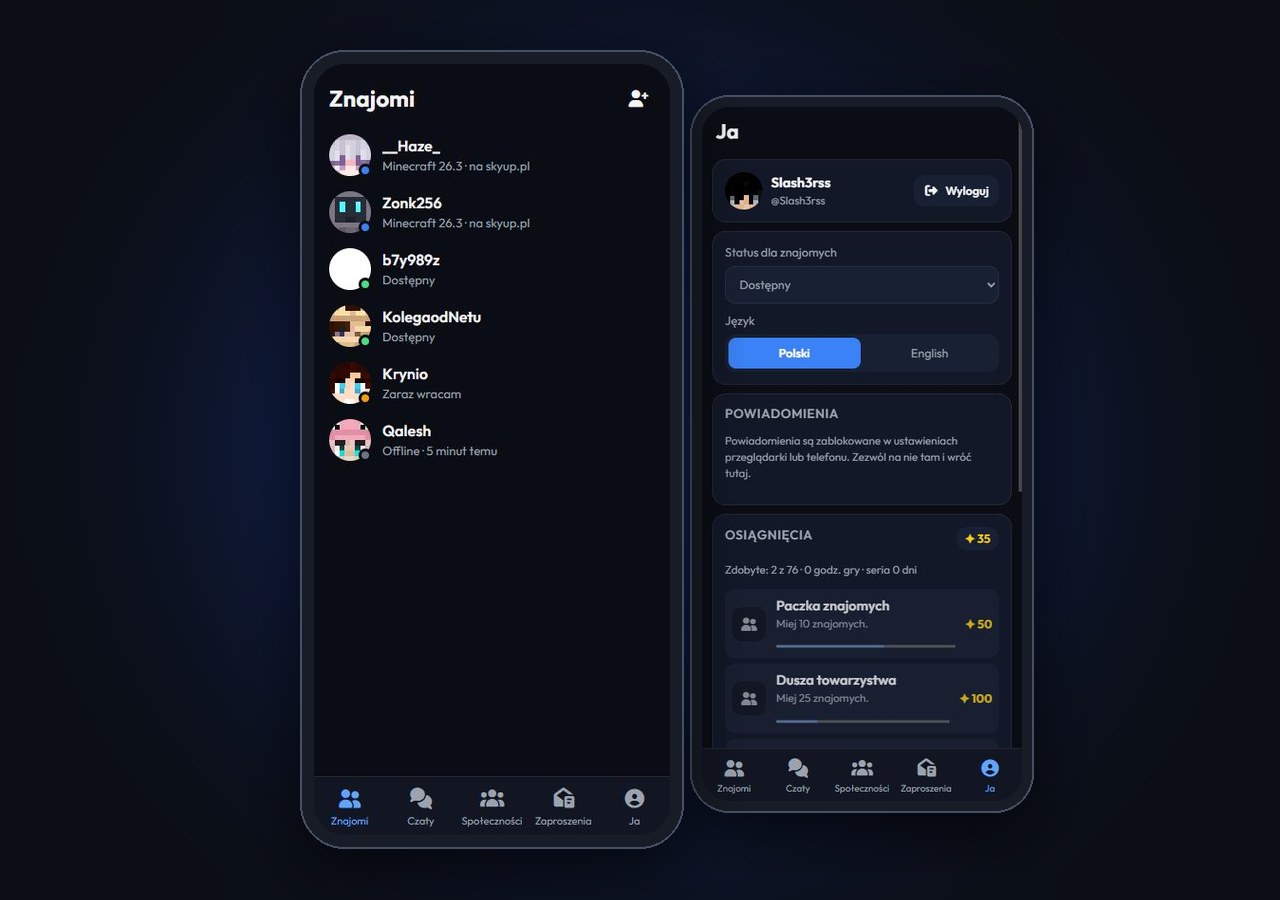
Friends, chat, group chats, your clan, communities and achievements on your phone too. Install the app straight from the browser to your home screen – on Android and iPhone, no store needed. Sign in with the same account as in the launcher.
- Notifications for messages, mentions and invites
- Chat encrypted the same way as in the launcher
Capes, wings, pets and emotes
Capes (animated ones too), wings, elytras, trails, auras and pets are seen by SlashClient players on every server. Pick emotes from the wheel under the N key. Turn the figure with the mouse.
Choose a capeAn FPS benchmark like in other games
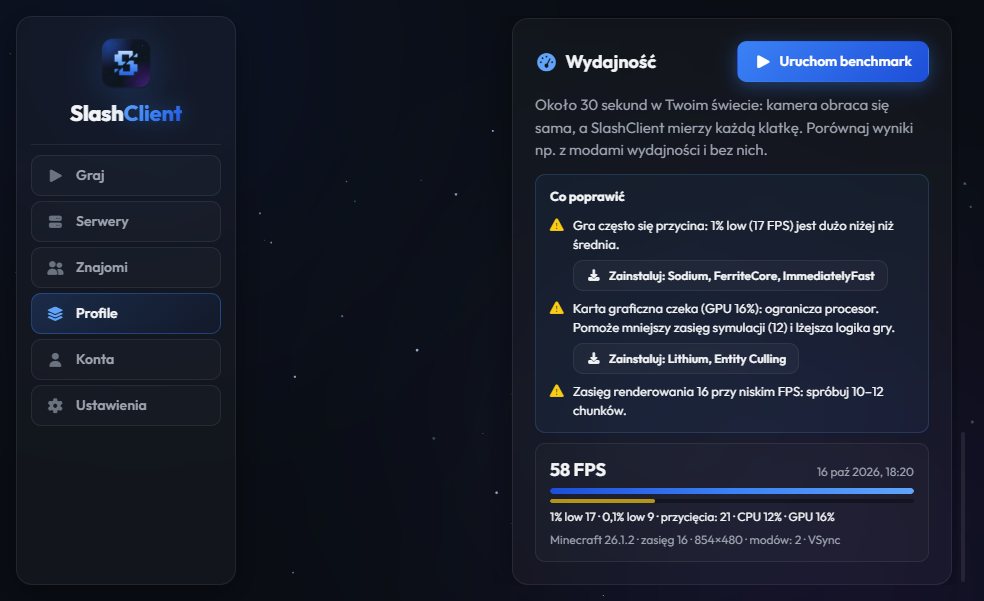
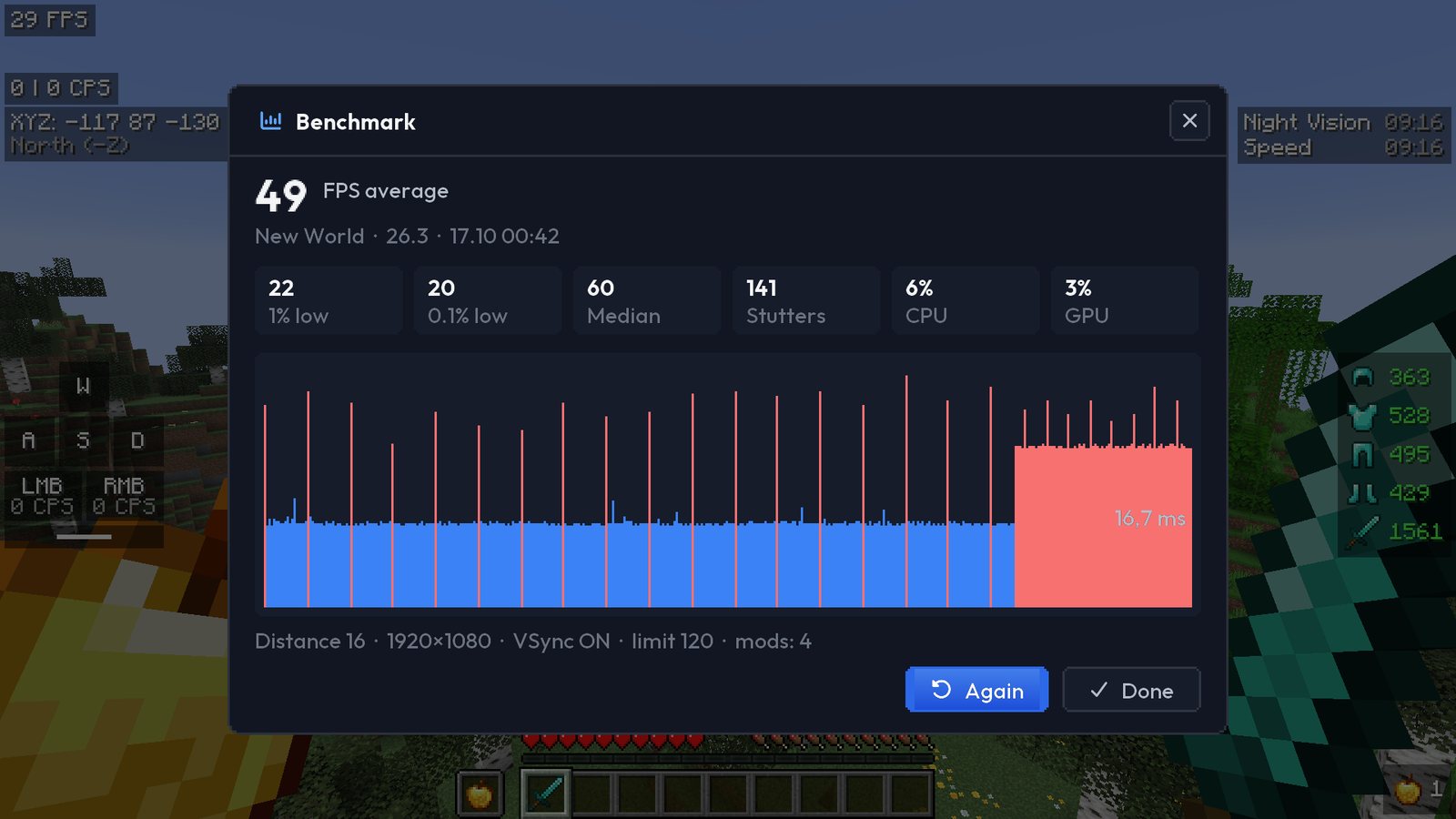
The SlashClient test scene: the same camera flight every time, through a forest, a panorama, a village, water, a crowd of mobs, particles and night. You get average FPS, 1% lows and stutters for each scene, a comparison with your previous run and tips on what to improve. Missing performance mods install in one click.
- 7 scenes, about a minute and a half, results you can compare between computers
- You can also measure FPS in your own world
- Sodium, Lithium and other mods in one click
Clips on F8
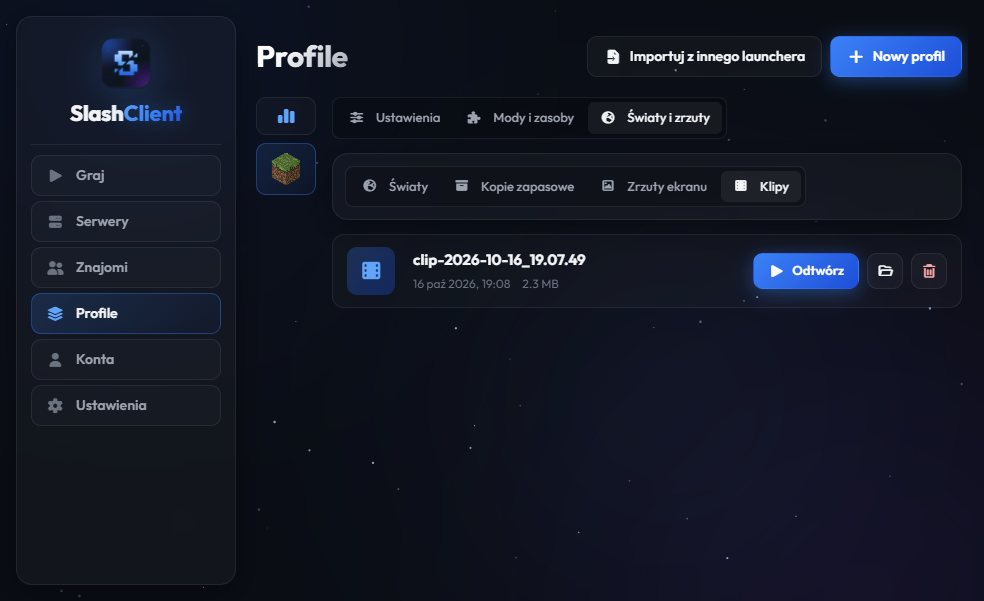
F8 saves the last 10–60 seconds of play as a video, no OBS needed. Clips are in the launcher, in the profile tab.
HUD modules
More in the launcher
Many accounts
Microsoft and offline accounts; switch them in the game too, without a restart.
Mods from Modrinth
Mods, modpacks and resources matched to the profile’s version.
Profile import
Profiles from Prism, MultiMC, CurseForge, Modrinth App and the official launcher.
Skins
A skin editor, a skin library and a 3D preview.
Servers
Description, player count and ping; join in one click.
Worlds
World backups, screenshots and clips.
Crashes
The launcher reads the log and tells you what went wrong.
Updates
The launcher checks for and installs new versions itself.
Frequently asked questions
How much does SlashClient cost?
Nothing. The launcher, the HUD, friends and capes are free.
Will I get banned for SlashClient?
The HUD only shows what the game already knows and gives no advantage like cheats do. Servers have their own rules though: if a server forbids e.g. freelook, turn it off in the HUD settings.
Which versions does the HUD work on?
Minecraft 1.21.11 and 26.1–26.3, with or without Fabric. The launcher also runs older versions, but without the HUD.
Does it work with Sodium and other mods?
Yes. The HUD is a regular Fabric mod and works together with performance mods.
Is my account safe?
You sign in to Microsoft on its own page, the launcher never sees your password. Your SlashClient account is confirmed by Mojang, just like Minecraft servers do, so your Minecraft token never reaches the SlashClient server. Messages to friends are encrypted and the server cannot read them.
macOS says it cannot check the app. What do I do?
SlashClient is not signed by Apple yet. Right-click the app, choose Open and confirm. You only need to do it once.
How do I update the launcher?
On Windows and Linux the new version downloads itself and installs on the next start. On a Mac the launcher shows a Download button.
Who can see my cape?
SlashClient players, on every server. Everyone else sees your usual look.
